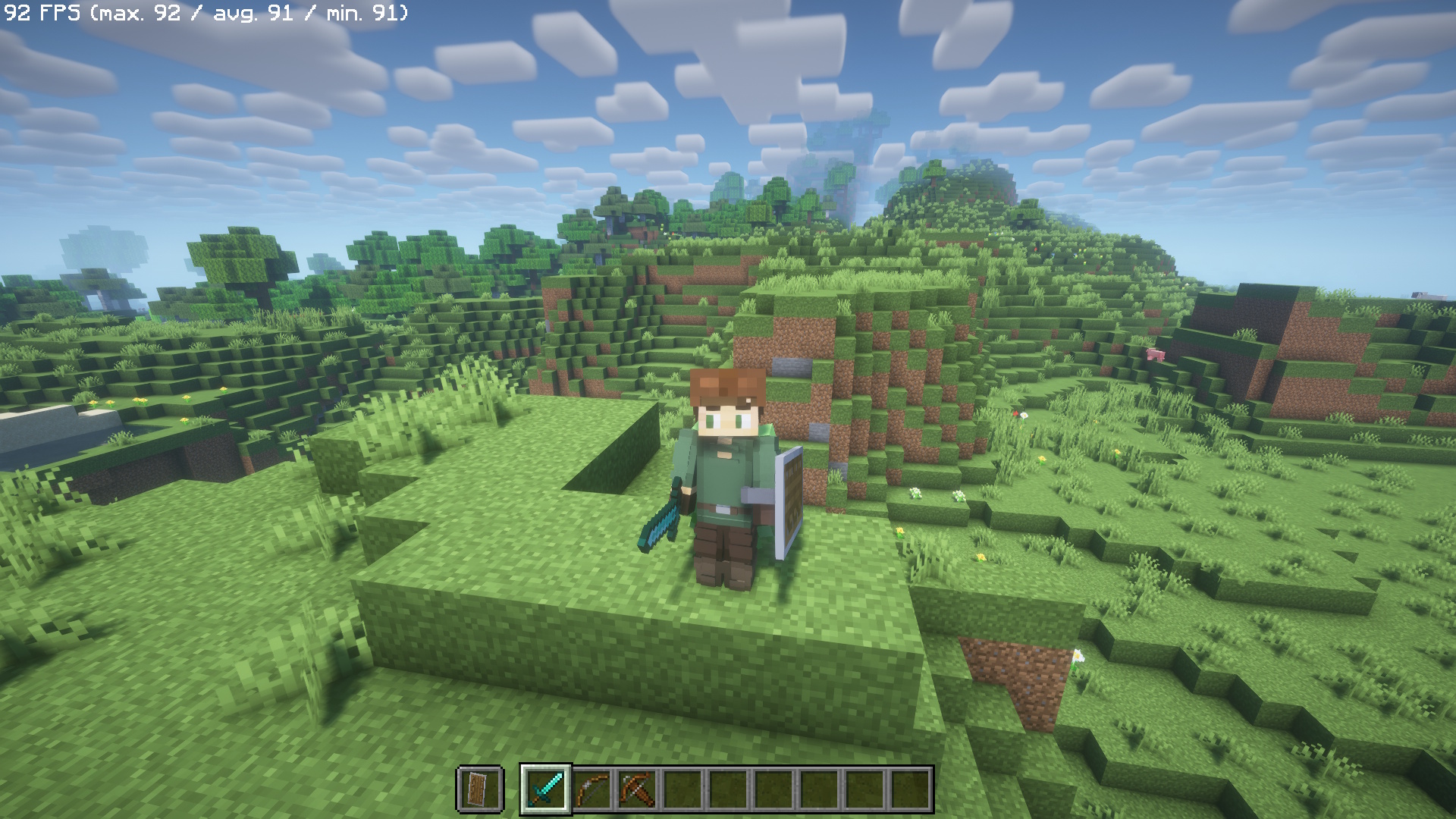
Fabric is one of the active Better Combat platforms, but a successful install still depends on matching the exact Minecraft branch and every declared dependency.
Confirm the Fabric profile
Verify the Minecraft version and the Fabric loader used by the profile. Do not assume every Better Combat Fabric file targets every modern Minecraft release.
Select only Fabric-compatible files
Use a Better Combat build explicitly marked for Fabric and the same game version. Keep NeoForge and Forge files out of the Fabric mods folder.
Resolve animation and config dependencies
Better Combat releases can declare dependencies such as playerAnimator and configuration libraries. Use versions appropriate for the same Minecraft branch.
Test combat before expanding the pack
Launch a minimal profile first. Confirm that attacks animate and normal melee interactions work before adding weapon packs, shader stacks or another combat overhaul.
Isolate Fabric conflicts
If the game crashes or animations disappear, temporarily remove recently added combat, animation and weapon mods. Restore them one at a time after Better Combat works alone with its requirements.
Related guides
Continue with the focused resources in the sidebar for another loader, compatibility check or troubleshooting path.