Independent Java Edition Resource

Better Combat mod — clearer melee flow, smarter setup

Understand versions, loaders, dependencies and combat-focused setup before you add Better Combat to a Minecraft: Java Edition profile.
Platforms: Fabric / NeoForge / supported Forge branchesEnvironment: Client + Server
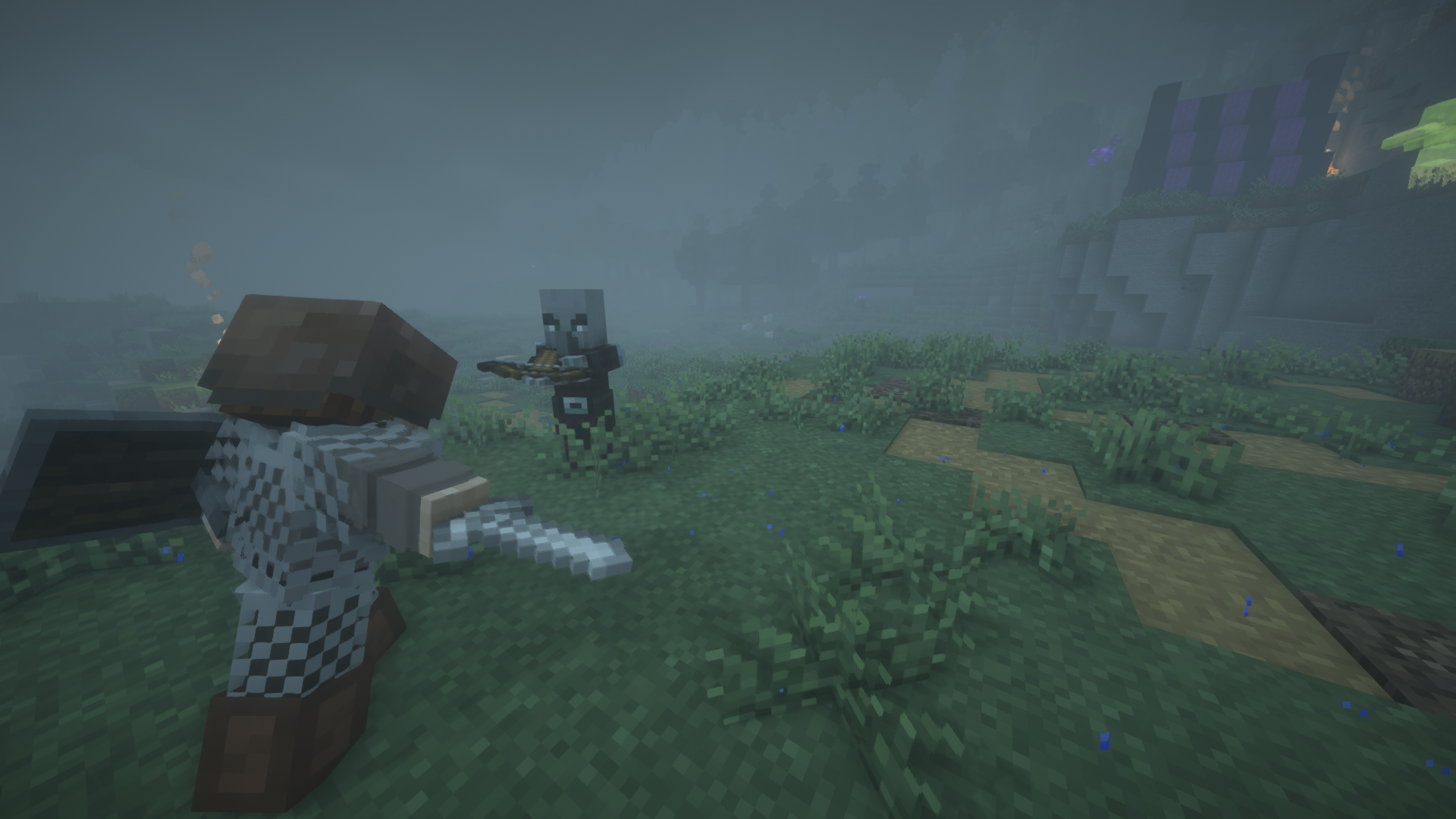
Minecraft combat gameplay visual for Better Combat mod
Version-first guidanceMatch game + loader
No fake installer claimsClear archive notes
Bedrock clarityJava mod ≠ MCPE addon
Static & lightweightFast reference pages
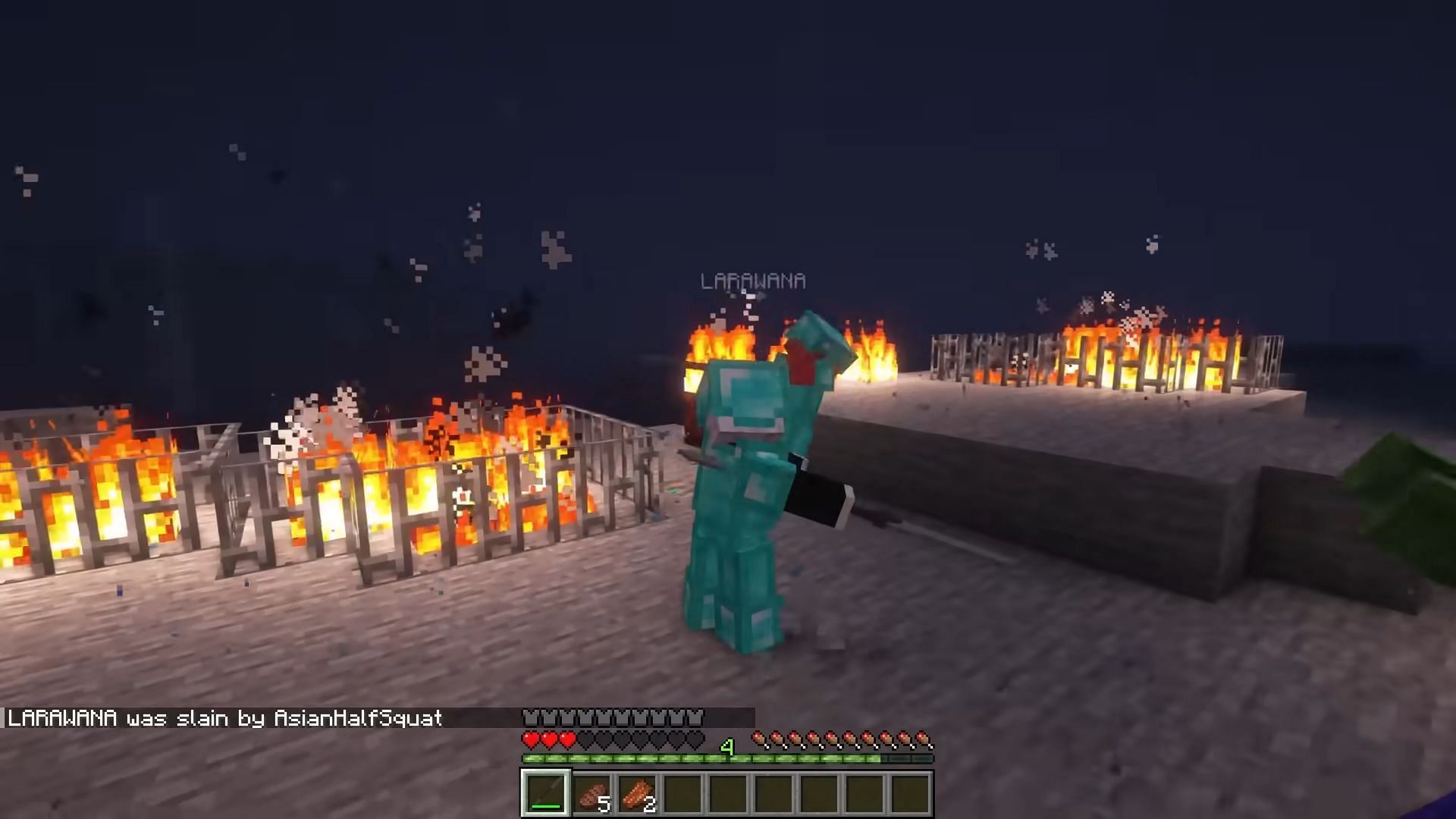
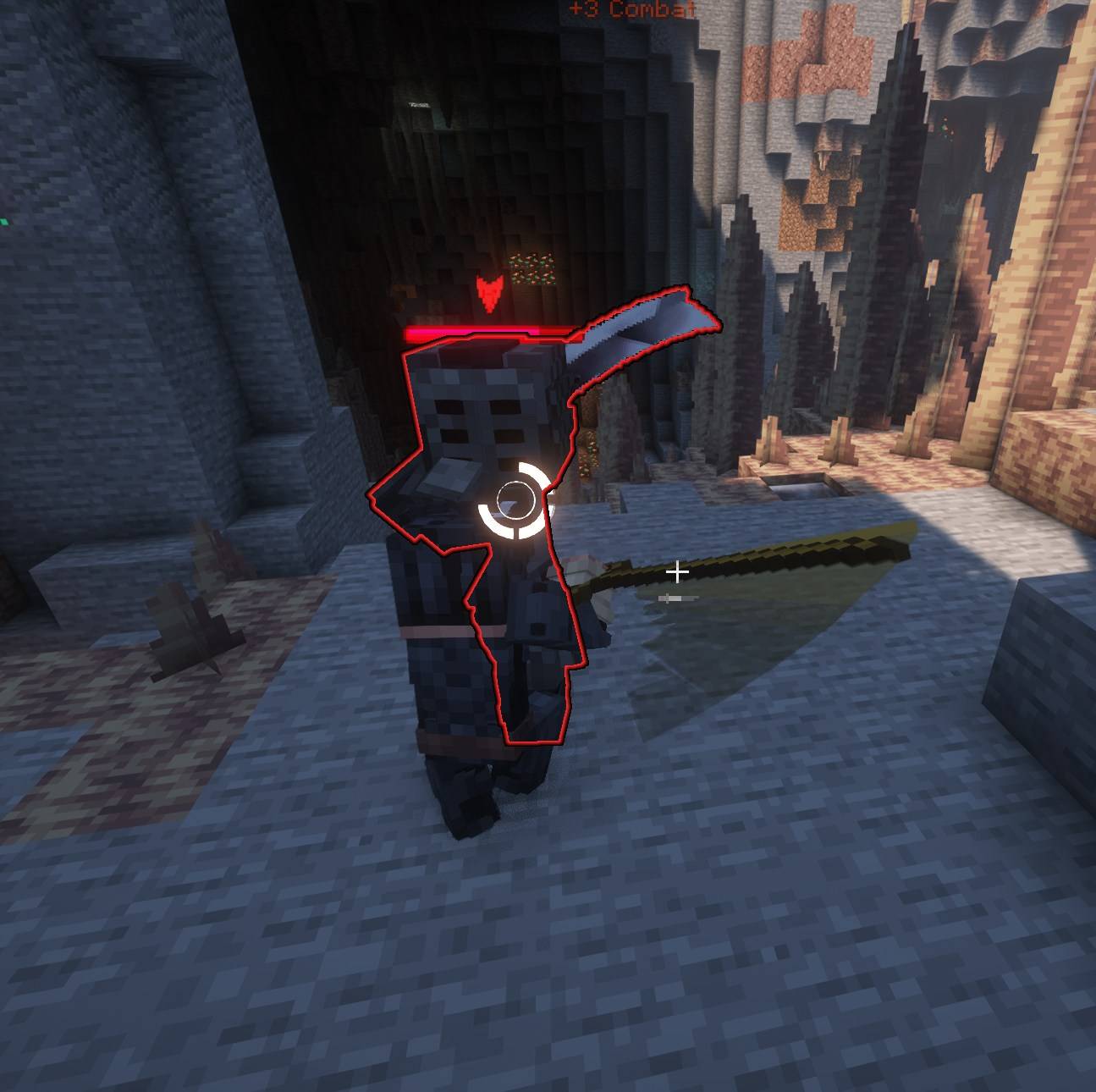
Minecraft melee combat visual for Better Combat mod features
What Is Better Combat

A melee overhaul built around readable attack behavior

Better Combat is a Minecraft: Java Edition mod that changes the feel and presentation of melee combat with animation-driven attacks and weapon-focused behavior. The project is available across Fabric, NeoForge and some Forge-era versions, so the correct file depends on the Minecraft branch you are running.

The safest way to approach installation is to identify the game version first, then the loader, then the dependencies for that release. That avoids the most common crash and missing-animation problems.

JavaEdition focus
3Loader families in project history
2-wayClient + server use
Core Features

Combat changes that are easiest to understand by role

Instead of treating every weapon like the same swing, Better Combat is designed around attack presentation, timing and weapon identity.

01 / PRIMARY

Animation-led melee combat

Attack motion and timing are presented as a more deliberate combat sequence rather than a single generic action.

02

Weapon identity

Different weapon definitions can produce distinct attack behavior and reach characteristics.

03

Loader coverage

Fabric and NeoForge are active targets, while Forge support depends on the older game branch selected.

04

Client & server

Project listings support both environments, but multiplayer consistency still depends on matching versions.

05

Add-on potential

Weapon and combat companion content can work when attributes, dependencies and versions are compatible.

How It Works

Start with your profile, not with a random download

A reliable Better Combat setup is a compatibility chain. A correct file in the wrong loader is still the wrong file.

Download Now

Confirm Minecraft: Java Edition version

Write down the exact version used by the profile you want to modify.

Identify Fabric, NeoForge or supported Forge branch

Do not mix loader-specific mod files. The file name and project release should match the loader.

Resolve required dependencies

Check the selected release for dependencies such as playerAnimator or configuration libraries.

Back up, install and test

Test Better Combat before adding extra weapon packs or animation mods, which makes conflicts much easier to isolate.

Compatibility

Know what belongs in the same installation path

Loader and edition compatibility are more important than keyword similarity.

Minecraft: Java EditionPrimary target

Use a supported Better Combat release that matches your exact game version.

FabricSupported

Use the Fabric-specific build and matching dependencies.

NeoForgeSupported

Use a NeoForge build for the same Minecraft branch.

MCPE / BedrockDifferent system

Bedrock add-ons are not drop-in replacements for a Java mod file.

Use Cases

Where Better Combat fits best

Use it when your modded profile benefits from a stronger melee identity and you can keep the stack version-consistent.

01

Adventure profiles

Make close-range encounters feel more deliberate without turning the site into a configuration dump.

02

Weapon-focused packs

Pair with compatible weapon content after validating attributes and animation behavior.

03

Multiplayer servers

Use matching mod and dependency versions across participants where required.

04

Curated modpacks

Add Better Combat early in testing so later conflicts are easier to isolate.

Download

Download Better Combat mod

The button below uses the project archive URL provided for this website. A source/project ZIP is not a universal mod installer, so confirm your actual Minecraft release, loader and required mod file before placing anything in a live profile.
EditionMinecraft: Java Edition
Loader checkFabric / NeoForge / version-specific Forge
Before installBack up worlds
Download typeProvided project archive
Download Better Combat mod
Professional Better Combat mod Download Center visual
Installation / Setup

A practical setup sequence for modded Java profiles

Before adding the mod

  1. Confirm Java Edition and the exact Minecraft version.
  2. Confirm the loader used by the profile.
  3. Back up worlds and configuration files.
  4. Check release-specific dependencies.

After adding the mod

  1. Launch with only the required dependencies first.
  2. Verify attack animations and basic combat behavior.
  3. Join multiplayer only after client/server versions match.
  4. Add weapon packs or extra animation mods one at a time.
!

Safety notice

Back up worlds before mod changes. Avoid files that claim to be universal installers across Java, Bedrock, Fabric, Forge and NeoForge at once. Loader and game-version boundaries matter.

Download Now
Release Information

Read a version label as a compatibility signal

Recent public project listings show Better Combat releases for modern Java Edition branches, including Fabric and NeoForge files. Historical Forge builds exist for older supported branches.

Do not assume a version number alone is enough: compare Minecraft version, loader and dependencies together.

CheckWhat to matchWhy it matters
GameExact Minecraft versionPrevents version mismatch
LoaderFabric / NeoForge / supported ForgeFiles are loader-specific
DependenciesRelease requirementsPrevents missing classes/animations
EnvironmentClient + server expectationsReduces multiplayer mismatch
Pros and Cons

What changes when you make combat a core modpack system

Strengths

  • More expressive melee presentation.
  • Weapon-oriented combat identity.
  • Available across major modern loader families.
  • Can fit adventure and weapon-heavy modpacks.

Tradeoffs

  • Version and dependency matching matters.
  • Animation or combat overhauls can conflict.
  • Bedrock/MCPE content is not directly interchangeable.
  • Updates should be tested before production worlds.
Troubleshooting

Diagnose by layer instead of reinstalling everything

Crash at startup

Verify Minecraft version, loader build and required dependencies first.

Missing animations

Check animation dependencies and remove competing animation changes for one test launch.

Server mismatch

Compare client/server mod files, dependencies and loader versions before changing configs.

FAQ

Better Combat mod questions, grouped by decision

Choose a category, then open one answer at a time.
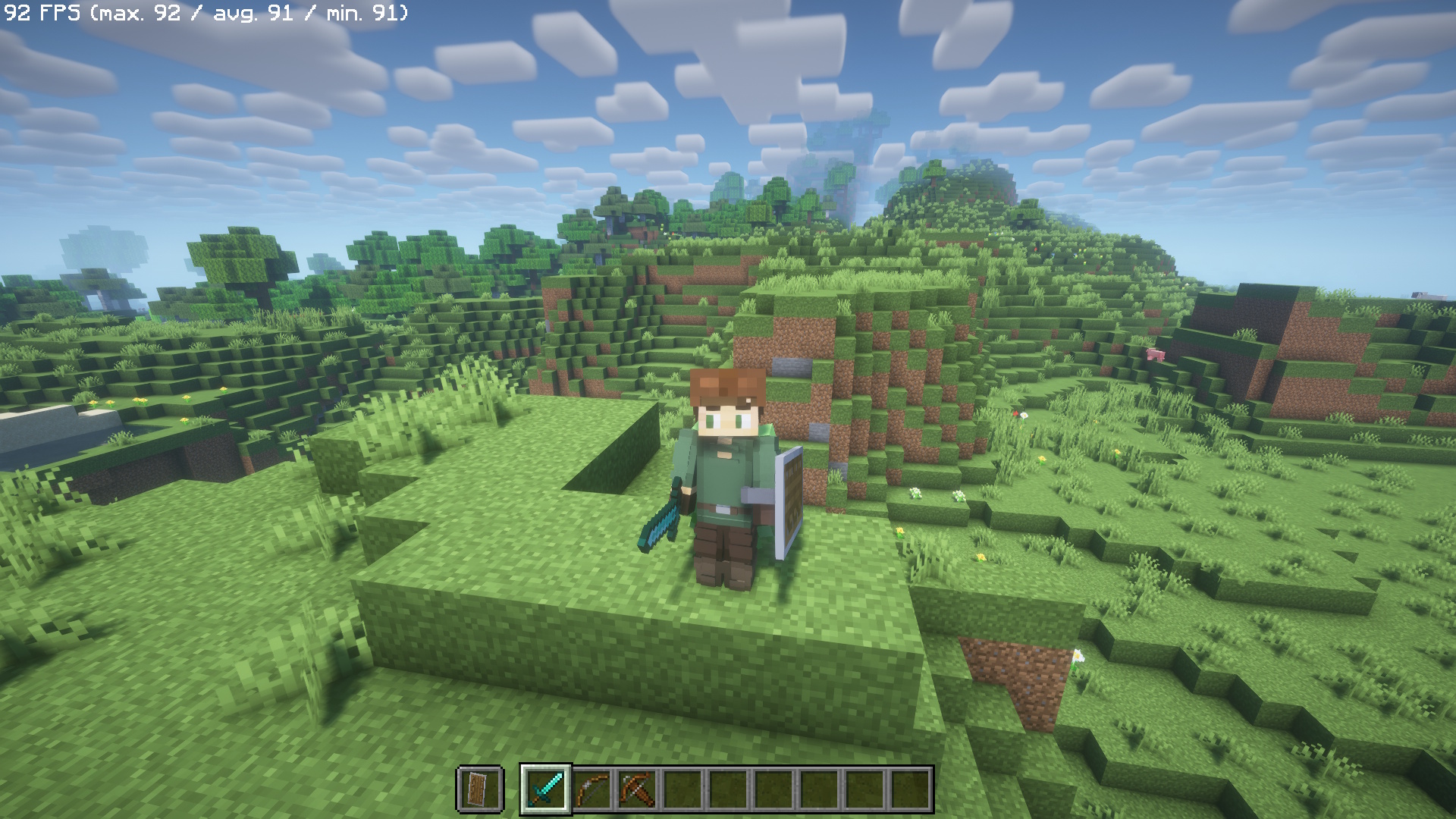
Better Combat is a Minecraft: Java Edition combat mod focused on more expressive melee attacks, weapon-specific behavior and animation-driven combat flow.
The current project is published for Minecraft: Java Edition. Bedrock Edition and MCPE use a different add-on system and should not be treated as direct Better Combat Java installs.
Yes. Current project listings include Fabric builds. Match the Better Combat file to the exact Minecraft version and Fabric environment you use.
Yes. NeoForge builds are available for supported game versions. The loader, game version and required dependencies must all align.
Forge appears on the project's platform history, including older supported branches. Check the exact release because loader support varies by Minecraft version.
Not as the Java mod itself. Bedrock and MCPE use add-ons rather than Fabric, Forge or NeoForge mod files.
Search results may use that phrase, but the Better Combat project covered here targets Java Edition. Treat unrelated MCPE packs as separate projects.
The current Better Combat project listings do not show 1.12.2 among supported versions. Do not force a modern file into a 1.12.2 profile.
Project listings identify both client and server environments. Multiplayer still requires compatible versions and a correctly configured mod stack.
Some releases declare dependencies such as playerAnimator and, on certain versions, Cloth Config API. Requirements can change by release, so verify the specific build before launch.
Use any Download button to reach the Download section. The primary button in that section opens the provided project archive link.
The most common causes are a mismatched Minecraft version, wrong mod loader, missing dependency or another incompatible combat/animation mod.
Confirm the required animation dependency is installed for your release and that another animation mod is not overriding the same behavior.
Compare the client and server versions, loaders, dependency versions and server mod list. A mismatch can cause connection or behavior problems.
Often, but compatibility depends on how the addon defines weapons, attributes and animations. Test additions one at a time in a backup profile.
Back up the profile, check the target Minecraft version and loader, update dependencies when required, then replace only the matching Better Combat file.
Back up worlds and configuration files. Record the current loader and dependencies so you can roll back if the new build conflicts.
The mod changes melee behavior and can apply weapon-specific attack patterns, reach or timing. Addons may add further attributes.
No. A project archive is not automatically a universal installer. You still need the correct Java Edition modded environment and compatible release files for actual gameplay.
Use the Guide area for Fabric, NeoForge, compatibility, performance and troubleshooting articles. The site keeps those topics separate for easier diagnosis.